Platform / Team
Freemi Staff

Run your team, not the timesheets.

Freemi Staff is the rota, the clock in at the shop and the staff app, in one. Staff tap the NFC tag at the shop to clock in from the Freemi Staff app. Hours become timesheets for payroll, the rota shows who opens and who closes, leave and holiday requests come to you to approve, and messages reach the whole team in one place.

✓NFC tag clock in✓Opening and closing cover✓Timesheets for payroll✓Messages to the team
Freemi Staff
Today at the shop
Example screen
RxClock in · Pharmacist08:59 · NFC tag at the shop✓
◷Rota · Saturday closingNobody on the closing shift yetGap
≡Timesheets · this weekApproved hours ready to exportReady
Clocked in at the shop · gaps on the rota · hours ready for payroll
NFC
tag at the shop
Clock in at the shopCLOCK IN
Clock in at the shop
Tap the tag, tap out
Opening and closing coveredROTAS
Opening and closing covered
Gaps shown on the rota
Timesheets ready for payrollTIMESHEETS
Ready for payroll
No spreadsheet rebuild
Messages in the staff appMESSAGES
Messages to the team
In the staff app, not a group chat
What Team runs

The people admin, handled end to end.

From the tag at the door to the timesheet, Freemi keeps clock in, rotas, leave, timesheets and team messages in one place, for one shop or several. You lead the team, not the paperwork.

Time clock

Tap the tag. Hours count themselves.

Staff clock in and out from the Freemi Staff app by tapping the NFC tag at the shop. A phone without NFC scans a printed QR code instead. Breaks are recorded and hours total up on the timesheet, with no spreadsheet to keep.

✓NFC tag at the shop
✓Printed QR for phones without NFC
✓Breaks and hours on the timesheet
See features →
Staff app · Clock inExample screen
1 2 3 4 5 6 7 8 9
✓Technician clocked in 08:59Tag at the shop · shift started
Staff requests
Waiting on you
Example screen
Annual leave · Technician
Monday to Wednesday, 3 days
Approve
Shift swap · Counter staff
Saturday for Sunday
Approve
Timesheet correction · Pharmacist
Missed clock out, Tuesday
Review
Approved in the platform · rota and balance updated
Leave and requests

Holidays asked for in the app, decided by you.

Staff ask for annual leave and holidays from the Freemi Staff app, and ask to swap a shift or correct a missed clock out the same way. You approve or decline in the platform, the rota updates and each person’s leave balance is kept.

✓Annual leave and holiday requests
✓Shift swaps and timesheet corrections
✓Approved by you, balances kept
See features →
In the wild

See Team in a pharmacy like yours.

The counter, the dispensary and the shop floor, each with its own shifts to cover, opening to closing.

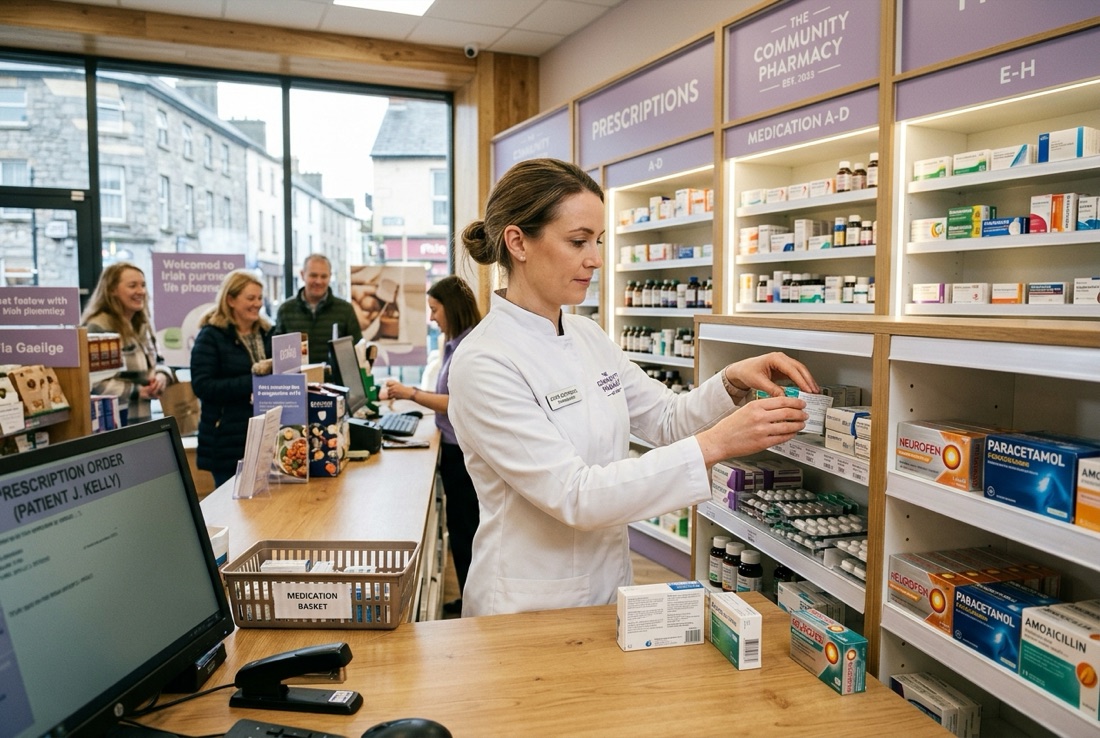
Behind the counterBehind the counter
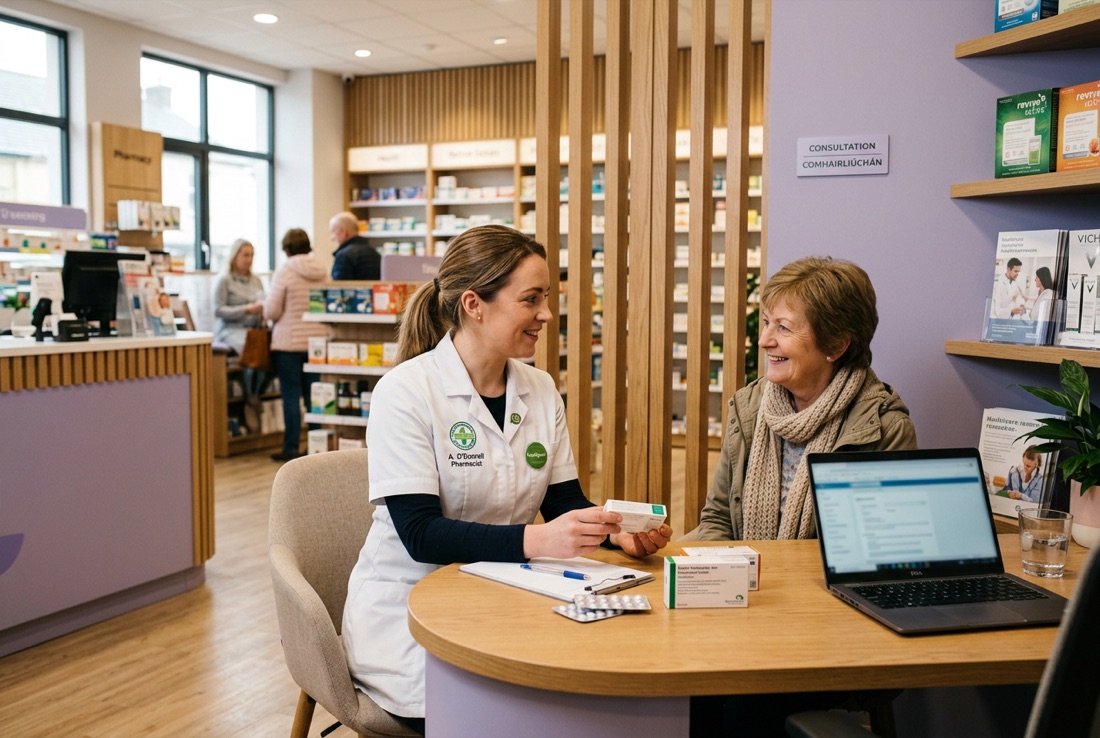
The consultation areaThe consultation area
Out on the floorOut on the floor